
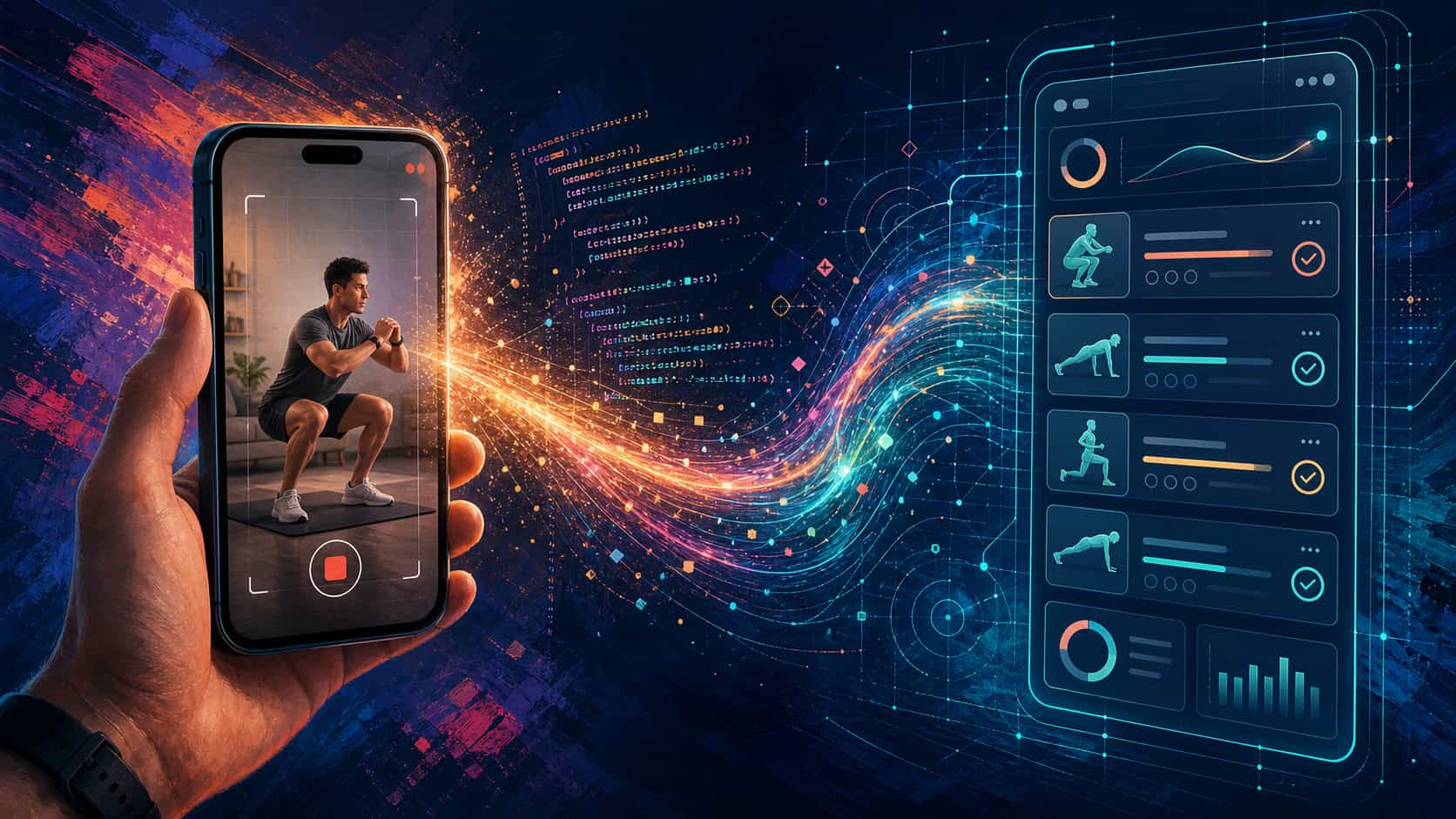
#72 | Build apps from video, zero coding
TL;DR: You wanted AI to sound human—so it did, on Reddit, 1,700 times. It changed minds without anyone noticing. How can we still spot it?
👋 Hello,
This is indeed a real story: A physio films and walks through six exercises for a patient recovering from ACL surgery, narrating as she films.
She covers the individual sets and load, the form cues worth watching on descent, and the things a printed instruction sheet would have listed.
The video goes out over WhatsApp like any other guidance she sends.
Her patient watches it once. Then she opens Gemini and types a single instruction: ‘generate an app specification for tracking this routine.’
Gemini returns a complete software brief. Each exercise is named and structured, the input fields are specified, and a data model with export format is included.
A developer could now build from it without a single follow-up question. The entire document was captured on a phone camera in a clinic.
However, she passes the spec to Claude. What comes back is an app built for exactly those six movements, tracking what her physio described, with nothing added and nothing missing.
Interestingly, the physio had no idea she had written software. She was explaining squats. Ideally, we can generalize this approach to any use case.
In this edition, you’ll understand how a casual, narrated video becomes a working custom app. By the end, you’ll know which of your own routines could do the same thing right now.
Key takeaway: Describing what you need precisely enough has always been the hard part of getting a custom tool built. A narrated video produces that description automatically.
The AI Learning Guy newsletter 🤖 🧠💡
AI learning hacks and mega prompts delivered to your inbox.
How Gemini reads your video and writes the spec
Gemini 2.5 Pro processes video and audio simultaneously, sampling one frame per second while capturing the spoken narration.
In a narrated workout video, every exercise demonstrated and every instruction spoken reaches the model at once.
Google built this as an official product feature and published a starter app in Google AI Studio in May 2025.
The prompt you pair with the video determines whether Gemini returns a general summary or a buildable specification. The distinction is everything.
How to build your own tracking app from a video
You can film this yourself.
A three-to-five-minute video of your own routine, narrated as you go, is all you need. A YouTube video of your process works too, if you already have one.
Step 1 — Film your routine
Film your routine on your phone and narrate as you record. Name each movement and state the sets, reps, or duration you want to measure. Describe what you want to track over time.
Talk to the camera the way you’d brief someone building a tool for you.
A pelvic floor routine filmed with this narration works as well as the physio video. So does any physio exercise set, yoga flow, or morning movement practice.
Step 2 — Upload to Gemini and generate the spec
Go to Gemini and start a new conversation.
Click the attachment icon to upload your video file. If your video is already on YouTube, paste the URL directly into the message field instead.
Then type:
Watch this video and write a detailed app specification for a tool that tracks this routine. Include the name of each exercise, fields for reps or duration, an effort or difficulty rating, and a notes field. Include a data model and a CSV export option.
Read what Gemini returns. Fact-check it against your video and correct anything it missed before moving on.
Step 3 — Build with Claude
Go to Claude.ai and paste the full specification into a new conversation. Add this instruction below it:
Build this as a single HTML file that uses localStorage to save sessions. I want to open it in a browser and use it offline.
Claude returns the code in its response. Copy it, save it as app.html on your computer, and open it in any browser.
That is the complete pipeline.
What goes wrong and how to stop it
The most common failure is a vague video. Narrating “I do some exercises” yields a vague spec, which in turn yields a generic app.
The model works with what it hears and sees, so the narration has to contain the brief. Thus, name each movement, state the reps, and describe what you want to track over time.
A large scope on the first build is equally costly. Asking for progress charts, streak tracking, CSV export, and cloud sync in a single prompt produces confusion.
Start with one deliverable: enter today’s workout and save it. Everything else belongs in version two. Version two is usually built the same afternoon, which is its own kind of strange.
Check the spec before passing it to Claude. Reading through takes two minutes. Fixing a misspecification after the app is built takes considerably longer.
Which of your own routines does this work for
The home workout tracker is an example. What it illustrates extends further than fitness.
Any process you describe verbally to a colleague or contractor contains the same raw material.
Meal prep narrated while cooking works the same way. A morning routine filmed as it’s being done is equally precise.
Any repeating process you can demonstrate and narrate on video is now a working brief.
She built an app by accident, solving a simpler problem with a tool that turned out to fit perfectly. That tends to be how these things go.
Tools, cost, and a note for EU readers
For this workflow, Gemini is free. The consumer app at gemini.google.com runs Gemini 2.5 Pro on the free tier.
However, video uploads are usually capped at five minutes per session, which is enough for a standard narrated routine.
Claude.ai is free for standard builds. For more complex multi-file projects, Claude Code is the better option.
A Claude Pro account will give you more AI computer usage too, which matters when you need to iterate.
ChatGPT and GPT-5 cannot process uploaded video as of May 2026 and are not suitable for this workflow.
One note for EU readers: uploading a video to Gemini sends data to US-based servers. A casual workout demo carries low risk. Video containing rehabilitation or medical content constitutes sensitive personal data under the GDPR. Check your Gemini data settings before uploading.
I’m building an app for pelvic floor exercises for men. What is yours? Send me an email.
Cheers,
Mark
The AI Learning Guy
👋⚡😎
The AI Learning Guy newsletter 🤖 🧠💡
AI learning hacks and mega prompts delivered to your inbox.
Interesting Sources
- Gemini 2.5 video understanding — Google DeepMind
- Video understanding API documentation — Google AI for Developers
- Build a mobile fitness app with Claude Code — Creator Economy
- Fitness tracking app in 2 hours, zero code — Sourav Baidya, LinkedIn
- AI tools and privacy implications — GDPRwise
Note: No single website has all the answers. This list serves as a starting point for those who want to explore or satisfy their curiosity about AI.
Links: Links with * are affiliate links. See disclosure below.